LLM Chat
To have a conversation with AI, you need to download/import a large model first.
Download the full model here: Getting Started - Download the model
For importing external models, see: Model Market - Import external model
Once the download/import is complete, you can select the model you want in the chat interface, enter the prompt, and send it to start the chat. 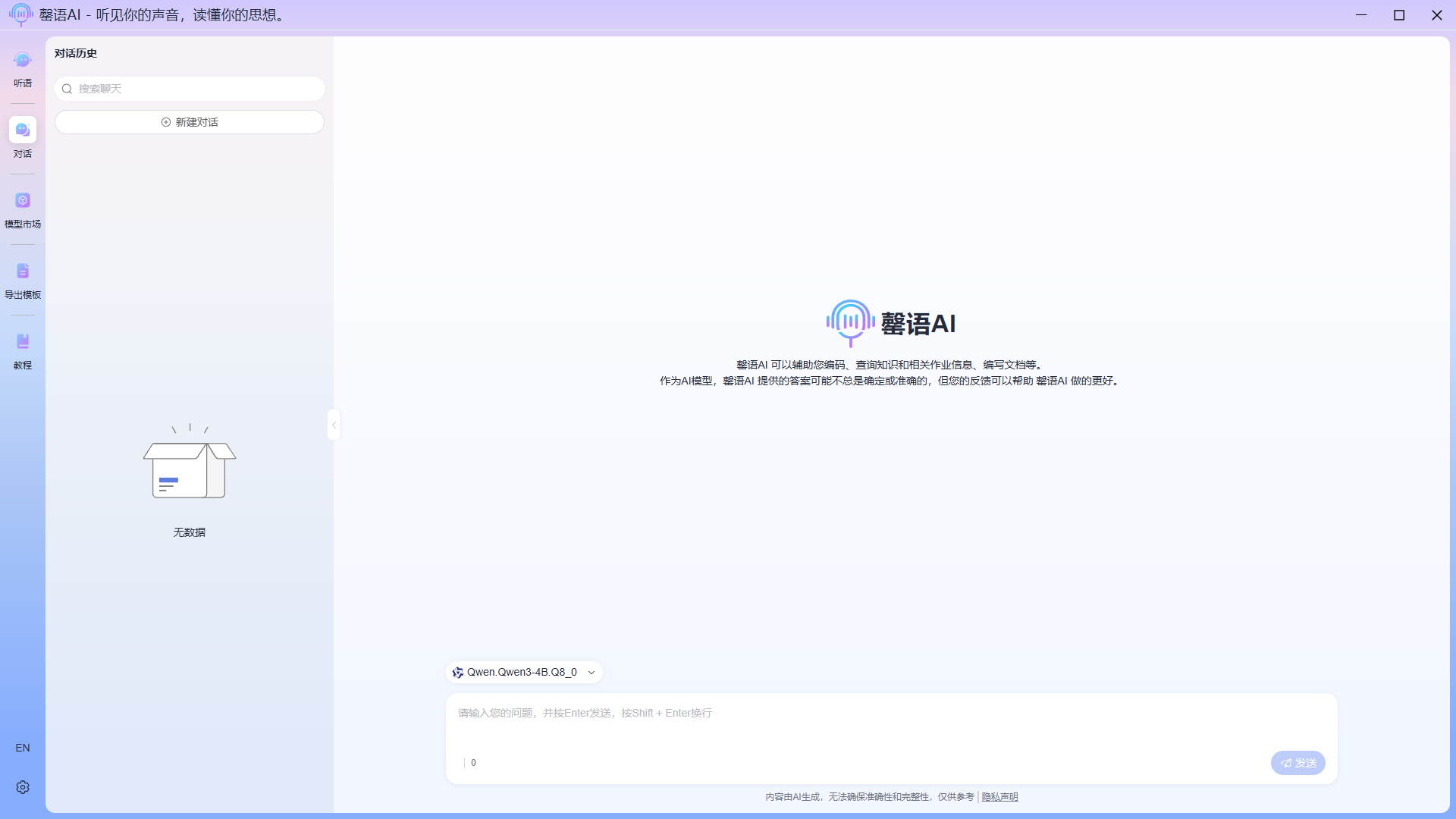
Example: 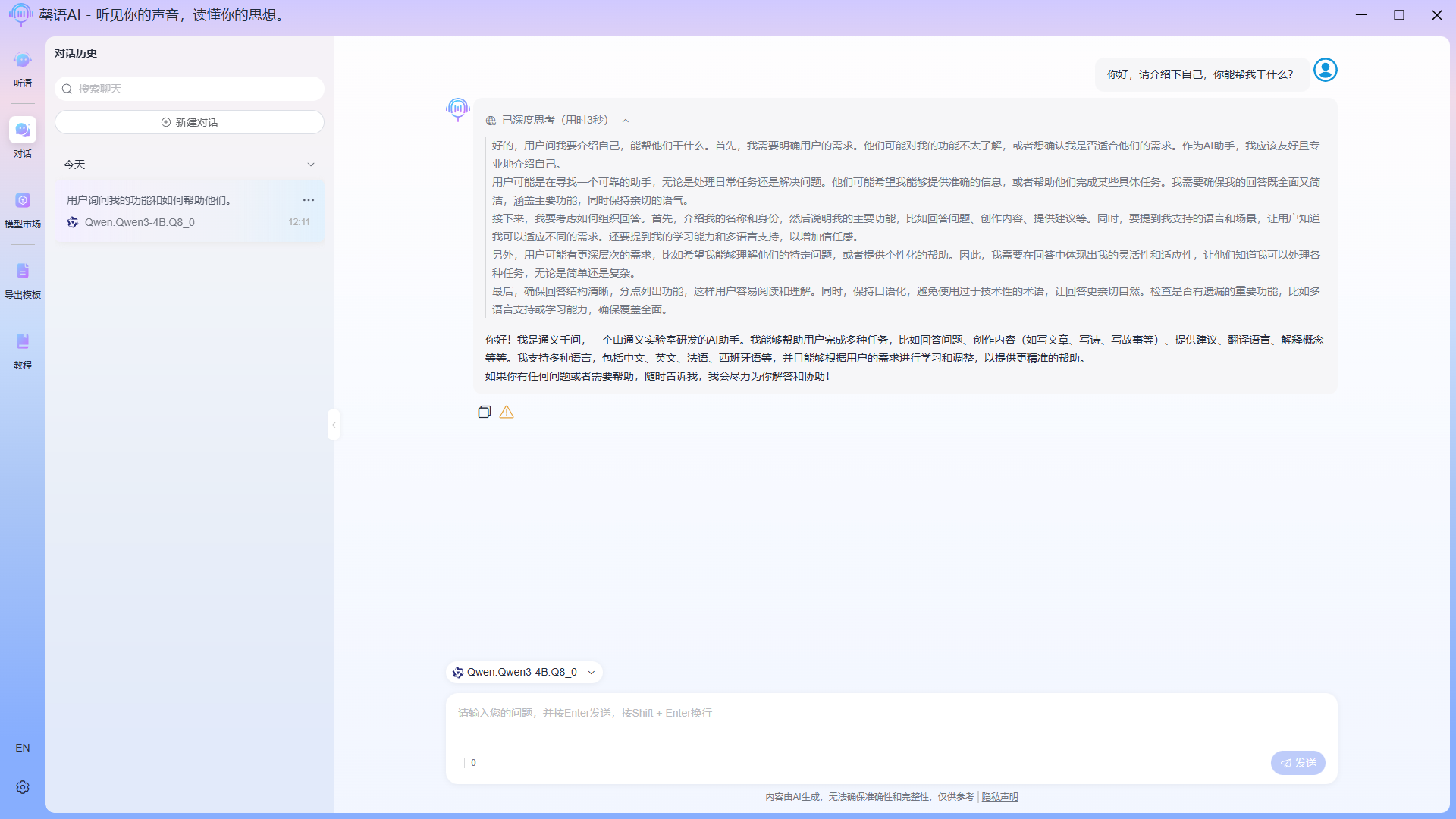
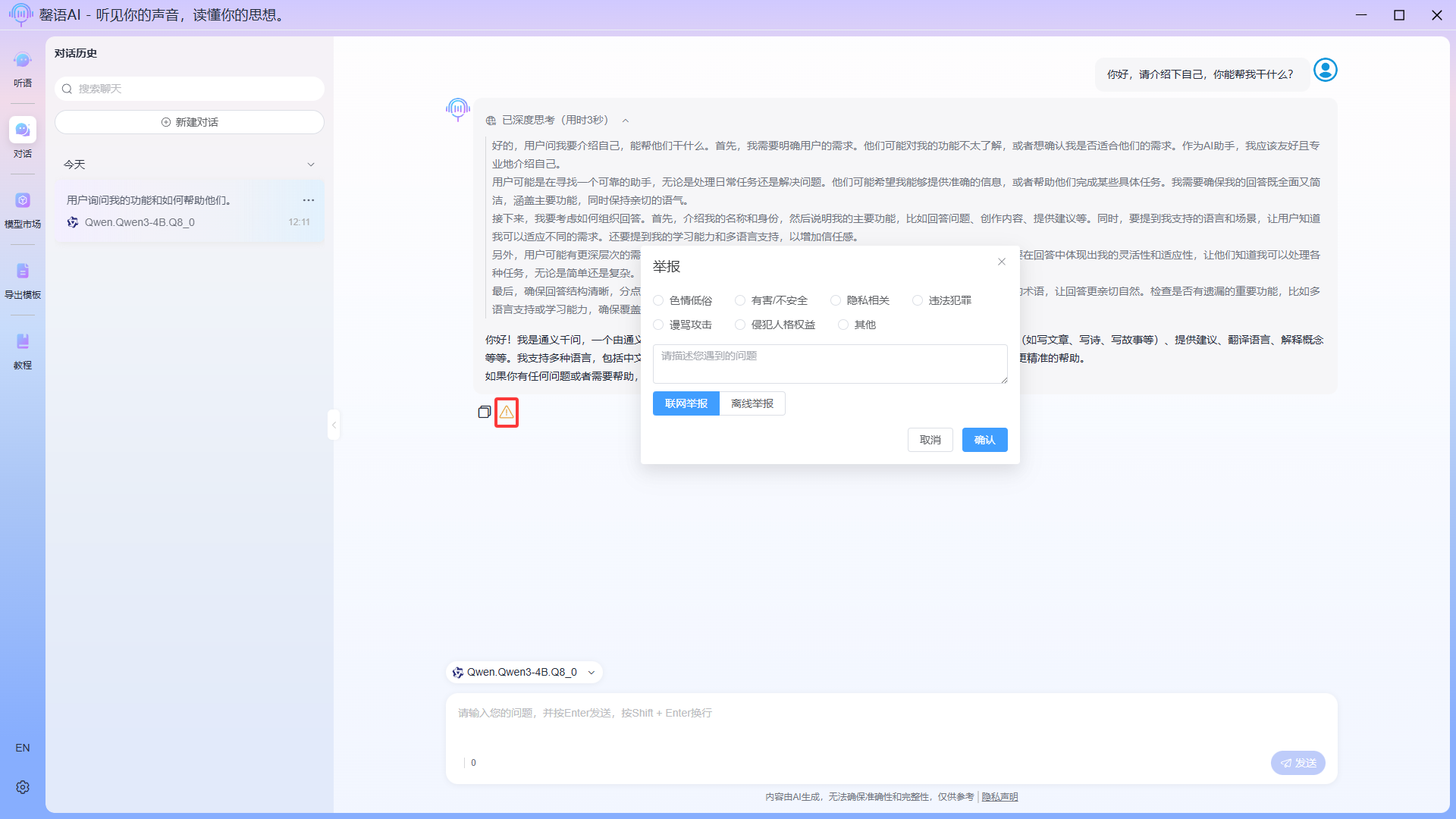
Report generated content
If you believe that AI-generated content violates regulations, you can report it by clicking the report icon in the lower left corner of the generated content. We will correct and optimize the model's generation results in subsequent updates based on the reported content.